MFL Downloader
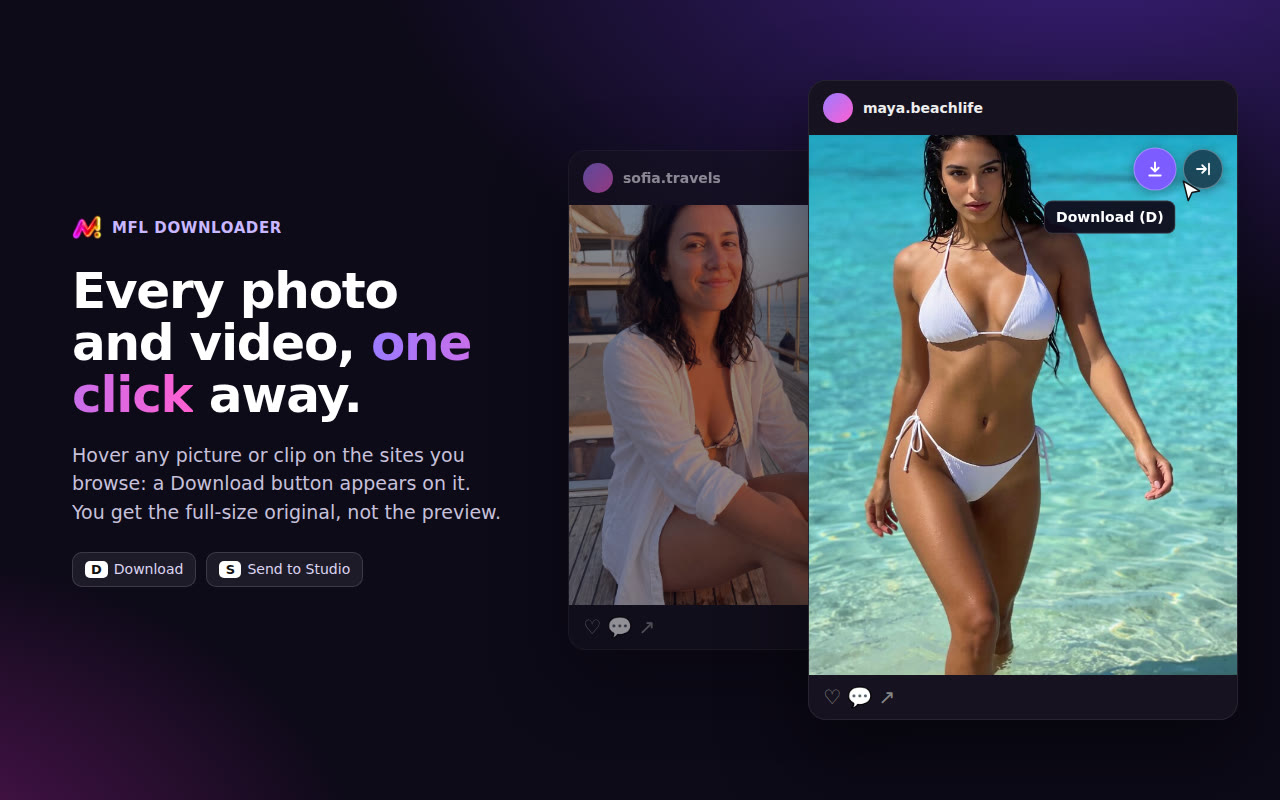
A free Chrome extension: hover any photo or video on the sites you browse, and a Download button appears on it. You get the full-size original — or send it straight to your studio.
Two buttons on every picture
Download — the original file, not the blurry preview: the photo as it was posted, the video with its sound. Saved in a folder per site and per account.
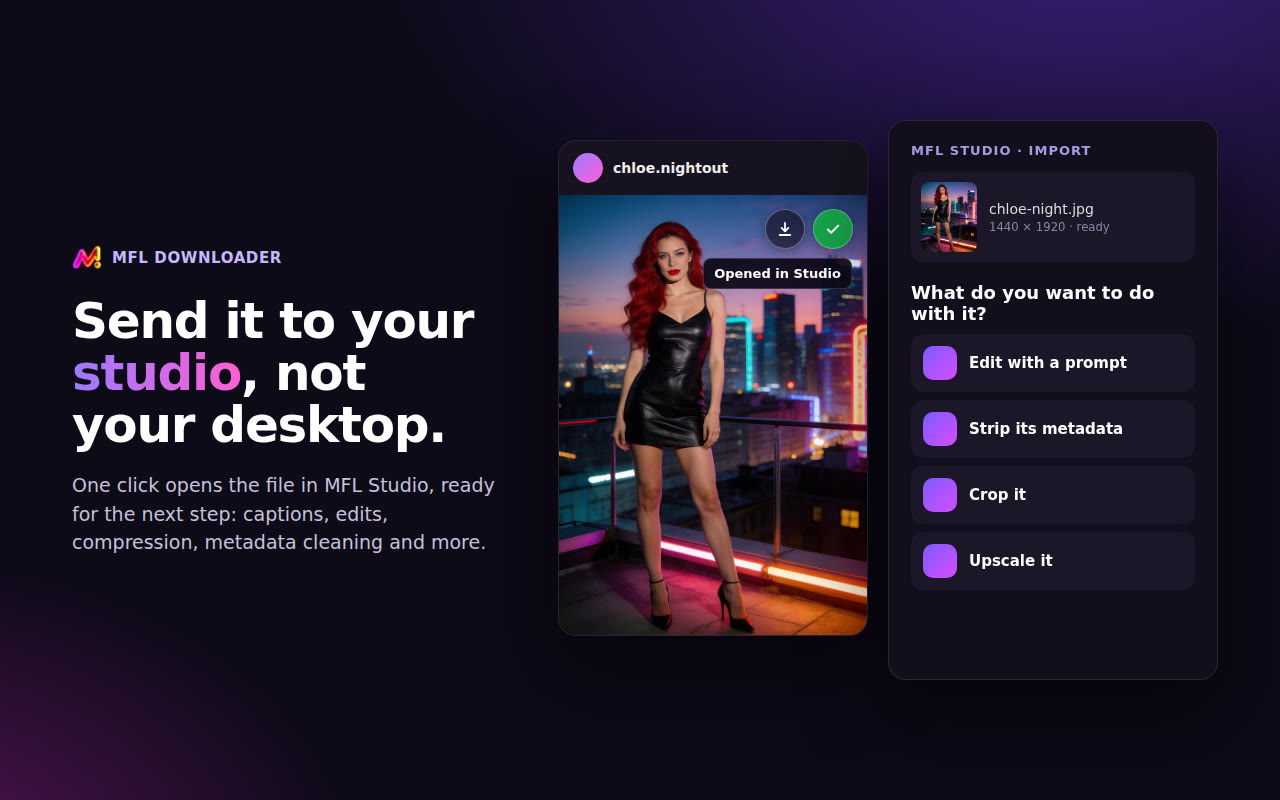
Send to Studio — the file opens in your MFL Studio account, ready for the next tool: Spoofer, Watermark Remover, captions, Upscaler, Face swap…
It works while you are signed in to MFL Studio in the same browser.
What you can grab
Every photo and video your browser shows you on these sites — from your own account, so what you can see, you can save. Carousels and stories included.
Small pictures (avatars, icons) get no button. A live stream, or a video the site only assembles inside the page, has no file to save — the button says so instead of failing.
Install it in 1 minute
It is not on the Chrome Web Store, so Chrome loads it from a folder. Works the same in Edge, Brave, Opera and Arc.
Good to know
Settings — click its icon in the toolbar: buttons on or off, off on one site only, and which corner of the picture they sit in.
Updating — download the new .zip, replace the folder's content, then click ↻ on the extension in chrome://extensions.
Private — nothing leaves your browser until you click a button; downloads go straight from the site to your computer. No tracking, no history. Privacy
No button? — reload the page after installing, check you are signed in to MFL Studio, and that the site is not switched off in its settings.
Only download content you have the right to use.